Melio: Ultimate 2026 Guide
Sarah runs a dental practice in Phoenix. Every month she writes twelve paper checks — lab, suppliers, landlord, cleaning service. Twelve checks, twelve envelopes, twelve stamps. Meanwhile, her business Amex earns nothing. Melio changed that. She now pays every vendor by credit card, earns points on all of it, and not one vendor knows she's using a card. That's Melio in one sentence: it decouples how you fund a payment from how your vendor receives it. Try it free →
What Melio Actually Does
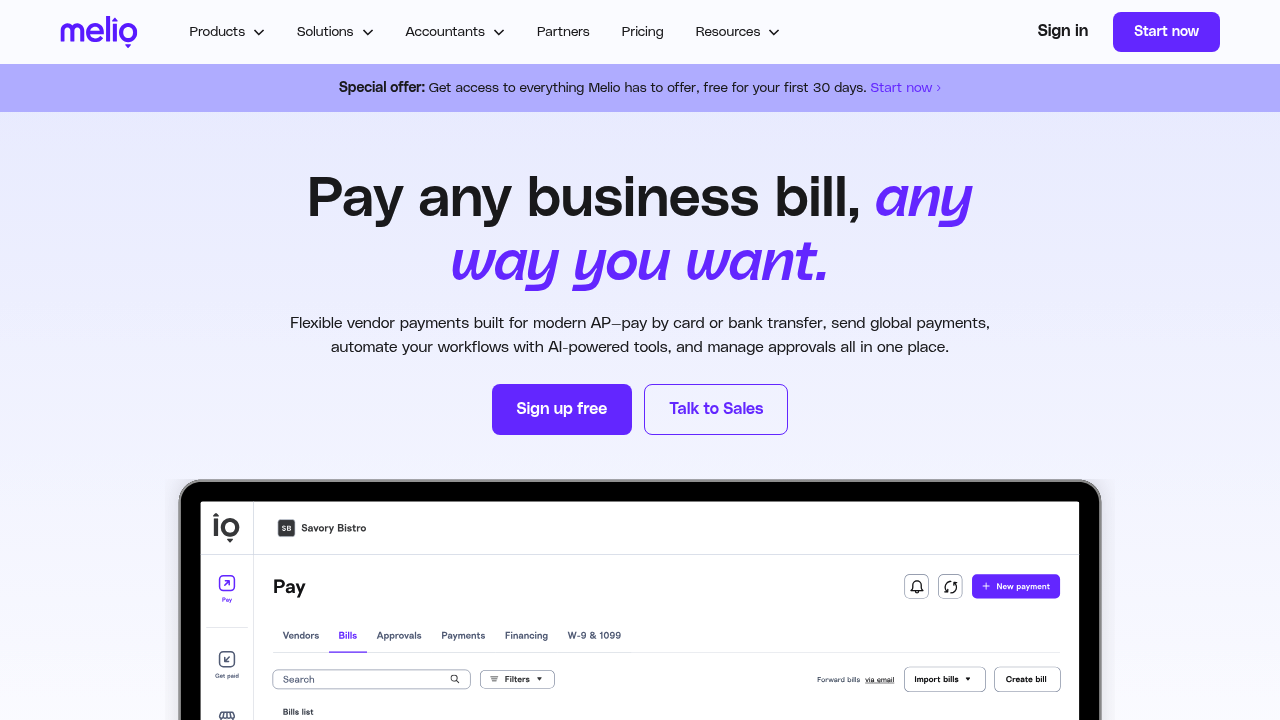
Melio is a B2B bill pay platform built exclusively for small businesses in the United States. The core mechanic is simple: you upload or sync an invoice, choose how you want to pay (bank transfer, debit card, or credit card), then choose how your vendor receives money (ACH bank transfer, paper check mailed by Melio, or instant transfer). Melio handles the conversion in between.
That middle layer matters because most small business vendors haven't caught up to modern payment options. Contractors want checks. Small suppliers want ACH. Your landlord probably wants a certified check. Melio lets you pay them all the way they prefer, while you use whatever funding method works best for your cash flow.
Beyond the card-to-check mechanic, Melio is a fully functional accounts payable tool. Connect QuickBooks Online or Xero and it pulls your bills in automatically. Payments sync back after completion so your books stay clean without manual entry. You can invite team members, build approval workflows (no payment goes out above $X without sign-off), and schedule payments weeks ahead. There's also a basic AR side: send payment request links to your own customers, accepting bank transfers or card payments without a separate invoicing tool.
Connect your QuickBooks and run your first bill payment today →
Who It's Built For
Melio is built for US-based small businesses with 1 to 100 employees who are still managing vendor payments manually, by paper check, or through a bank's basic bill pay interface. It's strongest for industries where check payments dominate: construction, food service, healthcare, professional services, and retail. These businesses have vendors who refuse card payments, which creates a painful mismatch — the owner has a rewards card, but the vendor won't accept it. Melio solves that specific problem.
It's a natural fit for anyone already using QuickBooks Online. The two-way sync is tight, and many bookkeepers recommend Melio precisely because it keeps QBO clean and reconciled without extra work.
Who it's NOT built for: businesses paying international vendors in foreign currencies (Melio is US-only), companies with 500+ invoices per month needing full AP automation with PO matching and OCR, and physical retail businesses that primarily need point-of-sale payments rather than vendor bill pay.
Technical skill required: essentially none. If you can use email, you can use Melio from day one without training.
Key Features That Stand Out
- Card-to-check and card-to-ACH conversion: Fund any vendor payment with your credit card regardless of how they want to receive money. Melio converts your card payment to a paper check or bank transfer. A processing fee applies on card-funded payments, but for many businesses the rewards earned offset or exceed that cost.
- Free ACH transfers: Standard bank-to-bank transfers are genuinely free with no monthly subscription on the base tier. For businesses that don't need the card arbitrage angle, this alone beats manual check writing and bank bill pay.
- QuickBooks Online and Xero sync: Bills pull in from your accounting software automatically. Completed payments sync back. No double entry, no forgetting to reconcile. This tight integration is why bookkeepers recommend Melio specifically — it keeps their clients' QBO clean.
- Approval workflows: Set dollar thresholds and assign approvers. Payments above your threshold queue for review before going out. Keeps the business owner in control without reviewing every small transaction manually.
- Payment scheduling: Set a future payment date for any invoice and Melio executes on that day. Turns reactive bill pay into proactive cash flow management — map out your full payment calendar for the month in one session.
The card arbitrage angle deserves a closer look because it drives a lot of Melio's adoption. A small restaurant owner has $8,000 in monthly vendor invoices — food suppliers, linen service, maintenance contractors. Vendors want checks or ACH. She has a business Amex earning 2x points. Without Melio, those $8,000 in payments earn zero rewards. With Melio, she funds them by card and earns 16,000 Amex points per month. Card funding carries roughly a 2.9% processing fee — about $232 on $8,000 — while 16,000 points at 1.5 cents each equals roughly $240 in value. That's a net positive, before even considering the float benefit: her cash outflow is delayed by up to a billing cycle while vendors are paid on time.
Not every business comes out ahead on that math. Melio shows the fees clearly before you confirm each payment, so you can decide per-invoice whether card or free ACH makes more sense. That transparency is part of why users trust it. See if card funding works for your vendor mix →
Pricing Breakdown
Melio's pricing model centers on a free core tier for basic ACH payments, with fees on premium options like card funding, expedited delivery, and advanced team features. As of my knowledge, bank-to-bank ACH is free, card funding carries a percentage fee around 2.9%, and instant delivery is an add-on. Paid tiers unlock higher limits, priority support, and additional automation. Since pricing in this space shifts frequently, verify current tiers at meliopayments.com before committing.
| Tier | Best For | What You Get |
|---|
| Free | Solopreneurs and small teams paying by bank transfer | Unlimited free ACH, QuickBooks/Xero sync, payment scheduling, basic bill pay |
| Growth (paid) | SMBs wanting card funding and faster delivery | Card-funded payments, instant ACH, approval workflows, higher limits, priority support |
| Enterprise | High-volume AP teams with custom needs | Volume pricing, API access, dedicated support, advanced workflow customization |
Melio vs. the Competition
Melio's most direct competitor is BILL (formerly Bill.com). Both are US SMB-focused AP platforms with QuickBooks integrations. Here's the honest comparison.
BILL has been in the market longer, handles international vendor payments in multiple currencies, integrates with more mid-market accounting systems, and has a more mature feature set for businesses with dedicated finance teams. If you're running a 50+ person company with a CFO and multi-entity consolidation needs, BILL has the infrastructure. It also has network effects — many accounting firms run their clients through BILL's platform, which smooths the AR side for businesses whose customers already use it.
Melio wins on simplicity and cost at the small business tier. The free ACH tier is a genuine differentiator — BILL has no free option. Melio's UI is notably cleaner; new users submit their first payment without reading documentation. Setup takes minutes, not hours. For a solo business owner or small team, that speed-to-value matters more than BILL's deeper feature set they'd never use.
One honest limitation of Melio: it's US-only for both senders and vendors. If even one regular vendor is outside the US and needs payment in foreign currency, Melio can't handle it. You'd need to add Airwallex, Wise Business, or a similar cross-border tool for those transactions.
Want a deeper dive? Compare Melio vs. BILL in our upcoming head-to-head guide.
Emerging Trends Shaping Accounting Software in 2026
Three trends are directly reshaping how bill pay tools compete in 2026.
First: AI-powered invoice processing is now baseline. Automatic extraction of vendor name, amount, due date, and line items from uploaded PDFs has moved from premium differentiator to table stakes. Users won't manually key in invoice data for routine vendors anymore, and tools that still require it are losing ground. The next frontier is fully touchless processing for recurring vendor relationships — the invoice arrives, gets matched to a scheduled payment, and goes out without a human touching it.
Second: embedded payments are pressuring standalone AP tools. QuickBooks Payments, FreshBooks built-in payments, and bank-native bill pay are all improving steadily. Standalone tools like Melio need to deliver something the accounting platform can't replicate natively. Melio's card-to-check conversion is its clearest answer — QuickBooks doesn't do that natively, and it likely won't for the foreseeable future because it requires a different financial infrastructure to execute.
Third: faster payment rails are resetting expectations. FedNow adoption in the US is pushing "instant payment" from a luxury add-on to an expected option. Businesses managing tight cash windows — contractors waiting on payment to fund their next job, for example — are increasingly demanding instant delivery as a standard offering rather than a premium feature. Melio's instant transfer feature sits at exactly this intersection.
For US small businesses in 2026, digital bill pay is a given. The question is which tool fits your specific vendor mix and accounting workflow without adding friction. For QuickBooks or Xero users with US-based vendors and a rewards card, Melio is the clearest answer available.
How to Get Started
- Go to meliopayments.com and create a free account — no credit card required.
- Connect your bank account as a funding source, and optionally add a business credit card for card-funded payments.
- Connect QuickBooks Online or Xero — your bills will import automatically.
- Add your first vendor, attach an invoice, choose your payment and delivery method, set a date, and confirm. Your first payment is typically submitted within minutes of setup.
Frequently Asked Questions
Is Melio good for small businesses?
Yes — it's one of the best bill pay tools built specifically for US small businesses. Free ACH payments, tight QuickBooks sync, and the card-to-check conversion make it a practical upgrade over paper checks or manual bank transfers for most SMBs.
Does Melio integrate with QuickBooks?
Yes, Melio has a native two-way QuickBooks Online integration. Bills import automatically from QBO, and completed payments sync back — your books stay current without manual reconciliation.
What does Melio cost?
Standard ACH bank transfers are free. Card-funded payments carry a processing fee (typically around 2.9%). Expedited delivery and premium plan features cost extra. Check meliopayments.com for current pricing.
Is there a free trial?
The base tier is free indefinitely — no trial, no expiry. Sign up and start sending ACH payments at zero cost from day one.
See Melio in action — a short demo video embedded here would show the QuickBooks import flow and the card-to-check process in under three minutes.
If your business is still cutting paper checks or manually entering vendor payments, Melio is the most practical upgrade you can make this week. Create your free account and send your first payment in under ten minutes →