Tax1099: Ultimate 2026 Guide
January is the worst month in the accounting calendar for one specific reason: 1099 season. The IRS deadline to furnish recipient copies is January 31. The e-file deadline follows shortly. If you pay contractors, freelancers, attorneys, rent recipients, or any other 1099-eligible vendors and you're scrambling to get forms out on time, you already know the pain. Tax1099 is an IRS-authorized e-filing platform built specifically to make that deadline manageable — bulk 1099 filing, W-2s, 1099-K, ACA forms, and more, from a single web-based dashboard. Start filing on Tax1099 →
What Tax1099 Actually Does
Tax1099 is not accounting software. It doesn't track expenses, manage payroll, or handle bookkeeping. It does one category of thing exceptionally well: helping businesses file information returns with the IRS and furnish copies to recipients. Information returns are the forms a business must send to the IRS and to individuals or companies it paid — 1099-NEC for contractor payments, 1099-MISC for rent and other miscellaneous income, 1099-K for payment card and third-party network transactions, W-2 for employees, and a range of other forms covering interest, dividends, distributions, and more.
Here's how the process typically works. You import your payer and recipient data — either by uploading a CSV, connecting to QuickBooks or other integrated platforms, or entering manually. Tax1099 validates the data, runs TIN (taxpayer identification number) matching against IRS records to catch errors before you file, generates the required forms in IRS-approved format, e-files them with the IRS electronically, and sends copies to recipients via email or postal mail. You get confirmation of filing and a record of delivery.
The practical difference between using Tax1099 and handling 1099s manually through paper forms is significant for any business filing more than a handful. Manual 1099 filing involves ordering paper forms from the IRS, printing with alignment precision on a dot-matrix or specialized laser printer, mailing copies to recipients, mailing the transmittal form and copies to the IRS, and maintaining records of everything. One wrong TIN triggers a B-Notice from the IRS. One missed recipient triggers a penalty. Tax1099 automates all of this and catches the errors that generate those notices before they happen.
Import your contractor list and preview your 1099s before you file →
Who It's Built For
Tax1099 is built for any US business that has information return filing obligations. At minimum, this means any business that paid a contractor, freelancer, or unincorporated vendor $600 or more in a calendar year and is required to issue a 1099-NEC. In practice, the platform is most valuable for:
Small and mid-sized businesses with 10 to 1,000+ contractors or vendors to file for annually. The more forms you need to file, the more Tax1099's bulk processing and validation tools save time compared to any manual approach. A business filing five 1099s might manage with QuickBooks' built-in 1099 workflow. A business filing 200 benefits significantly from a dedicated platform.
Accounting firms that file information returns on behalf of multiple clients. Tax1099 supports multi-payer filing, meaning an accountant can manage filings for many client businesses under a single account. Client data stays separate; billing and filing are consolidated.
HR and payroll teams responsible for W-2 distribution who also have 1099 obligations — the ability to handle both in one platform simplifies year-end workflows considerably.
Tax1099 is NOT a substitute for a full payroll platform if you have W-2 employees whose withholding, deductions, and tax deposits need year-round management. Platforms like Gusto, Rippling, or ADP handle the full payroll lifecycle including year-end W-2s. Tax1099's W-2 module is best for businesses that already process payroll elsewhere and just need to e-file the end-of-year forms.
Key Features That Stand Out
- TIN matching before you file: Tax1099 validates taxpayer identification numbers against IRS records before submission, catching mismatches that would otherwise generate IRS B-Notices. B-Notices trigger backup withholding requirements and administrative headaches — catching TIN errors upfront eliminates them.
- Bulk import and filing: Upload recipient data via CSV or connect to integrated platforms (QuickBooks, Xero, Gusto, and others) to pull data automatically. File up to hundreds of forms in minutes, not hours.
- Electronic recipient delivery: Email copies of 1099s directly to recipients from the platform, with tracking. Alternatively, Tax1099 can print and mail paper copies on your behalf. This replaces the need to print and mail forms yourself.
- Multiple form types in one platform: 1099-NEC, 1099-MISC, 1099-K, 1099-INT, 1099-DIV, 1099-R, W-2, W-2G, 1095-B, 1095-C (ACA), and more — most information returns a typical business needs are supported.
- State filing support: Many states have separate 1099 filing requirements beyond the federal IRS filing. Tax1099 handles combined federal/state filing for participating states, eliminating the need to file separately with each state revenue department.
The TIN matching feature is the most underappreciated capability on this list. Here's why it matters: the IRS sends B-Notices when a payee's TIN on a 1099 doesn't match their IRS records. The business receiving the B-Notice must then contact the payee, collect a new W-9, and in some cases begin backup withholding at 24% on future payments until the discrepancy is resolved. This process is expensive in admin time and can damage vendor relationships. TIN mismatches most commonly happen when a contractor's legal name doesn't match exactly what the IRS has on record — a minor discrepancy that's easy to miss without a validation step.
Tax1099's pre-filing TIN match catches these issues before the forms are submitted. You get a report of any mismatches, contact the affected recipients to collect corrected W-9 information, and fix the data before filing. The cost of catching a mismatch upfront is a few minutes. The cost of resolving a B-Notice after filing is hours. For businesses filing hundreds of forms, this feature alone justifies the platform. Run a TIN match on your contractor list before filing season →
Pricing Breakdown
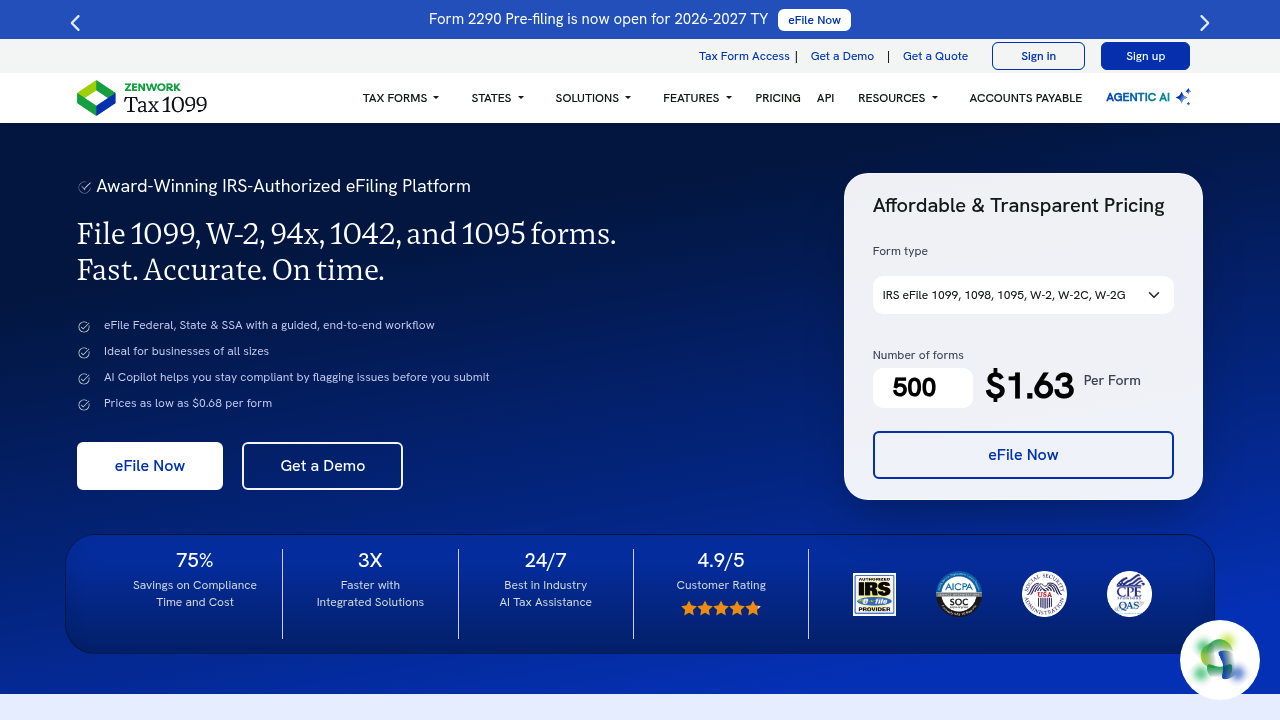
Tax1099's pricing has historically been per-form, with volume tiers that reduce the per-form cost as volume increases. Expect a base cost per 1099 or W-2 e-filed, with discounts at higher volumes, and optional add-ons for postal delivery and state filing. There are also annual subscription options for high-volume filers and accounting firms that offer predictable pricing for unlimited or high-cap filings. Verify current per-form and subscription pricing at tax1099.com — the structure is updated annually ahead of filing season.
| Tier | Best For | What You Get |
|---|
| Pay-per-form | Small businesses filing under 50 forms | Federal e-file, recipient email delivery, TIN match, basic support |
| Volume tier | Businesses filing 50–500 forms | Reduced per-form cost, state filing, postal delivery option, priority support |
| Enterprise / CPA | Accounting firms and high-volume filers | Multi-payer management, unlimited or high-cap filing, white-label recipient delivery, dedicated support |
Tax1099 vs. the Competition
Tax1099's main competitors are Track1099 (now part of Stripe), QuickBooks' built-in 1099 workflow, and for ACA forms specifically, ACA-specific compliance platforms. Here's the honest breakdown.
QuickBooks has a 1099 filing feature built in, and for businesses that already use QBO and have a small number of contractors to file for, it's convenient. The integration means your contractor payment data is already in QBO. But QBO's 1099 workflow is limited — it handles 1099-NEC and basic 1099-MISC, but not the range of form types Tax1099 supports. TIN matching in QBO is less robust. State filing isn't as fully integrated. For businesses filing more than 30–40 forms per year or needing forms beyond the basic types, QuickBooks' native workflow starts to feel limiting. Tax1099 is a better-engineered solution for 1099-specific filing at volume.
Track1099 (Stripe) is a direct competitor with a similar per-form pricing model and strong accounting software integrations. The choice between the two often comes down to UI preference, integration needs, and pricing at your specific volume. Both are IRS-authorized and reliable. Tax1099 has broader form type coverage and more established state filing support; Track1099 has tight Stripe integration that's useful for businesses with significant payment card volume needing 1099-K.
One honest limitation of Tax1099: it's a year-end tool, not a year-round platform. Unlike Gusto or QuickBooks Payroll, it doesn't help you manage contractor relationships, track payments during the year, or send W-9 collection reminders proactively. You're responsible for maintaining your contractor payment records throughout the year; Tax1099 handles the filing at year-end. If you want a platform that manages contractor data all year, look at a contractor management platform that includes 1099 filing as part of a broader workflow.
Want a deeper dive? Compare Tax1099 vs. Track1099 in our upcoming head-to-head guide.
Emerging Trends Shaping Accounting Software in 2026
Three trends are directly affecting the 1099 and information return filing landscape in 2026.
First: the 1099-K threshold change has significantly expanded filing obligations for many businesses. The IRS has moved toward a $600 threshold for third-party payment network transactions reported on 1099-K, down from the previous $20,000/200-transaction threshold. This means many more businesses are receiving 1099-Ks from payment platforms, and payment platforms are filing many more of them. For businesses on the issuing side — platforms that pay out to sellers or contractors — 1099-K volume has jumped dramatically. Tax1099's handling of high-volume 1099-K filing has become more critical as a result.
Second: IRS e-file mandate thresholds have dropped. The IRS has been progressively lowering the threshold at which businesses must e-file rather than paper-file information returns. As of recent rule changes, the e-file threshold is now 10 or more returns — down from 250. This means the vast majority of US businesses that file any information returns are now required to e-file rather than paper-file. This mandate alone is driving adoption of platforms like Tax1099 among small businesses that previously filed paper forms.
Third: AI-powered contractor classification assistance is emerging as a category. One of the most expensive compliance errors a business can make is misclassifying employees as contractors and then issuing 1099-NEC where W-2s were required. The IRS scrutinizes this heavily. Tools that use AI to flag potential misclassification risk — based on payment patterns, engagement structure, and other signals — are beginning to appear in the market. This is a next-generation feature for information return platforms, and the leaders in the 1099 space are building in this direction. For now, it's a differentiator to watch for when evaluating platforms.
For US businesses in 2026, the combination of lower e-file thresholds and expanded 1099-K obligations means that if you haven't yet set up a dedicated information return filing workflow, the time to do it is now — not the last week of January.
How to Get Started
- Create an account at tax1099.com — setup takes a few minutes with your basic business information.
- Import your recipient data via CSV upload or connect your QuickBooks, Xero, or other integrated accounting platform to pull payment data automatically.
- Run TIN matching before you do anything else — catch mismatches now so you have time to collect corrected W-9s from affected contractors.
- Review the generated forms, confirm the data looks correct, and submit your e-file. Recipients receive email copies on the filing date or you can schedule postal delivery.
Frequently Asked Questions
Is Tax1099 good for small businesses?
Yes — it's one of the best-fit 1099 filing tools for small businesses with contractors. The per-form pricing model means you pay for what you file, and the TIN matching and bulk import features save significant time compared to manual 1099 preparation, even for relatively small contractor counts.
Does Tax1099 integrate with QuickBooks?
Yes, Tax1099 integrates with QuickBooks Online and Desktop. You can pull contractor payment data directly from QBO into Tax1099 rather than exporting and re-importing a CSV. This is one of its most-used integrations given how many small businesses run on QuickBooks.
What does Tax1099 cost?
Tax1099 uses per-form pricing with volume discounts. The base cost per e-filed form is modest; state filing, postal delivery, and TIN matching are priced separately or included in higher tiers. Check tax1099.com for current per-form rates — pricing is updated annually.
Is there a free trial?
Tax1099 allows you to set up an account and preview forms before you pay to file. You don't pay until you submit — so you can import your data, review the generated forms, and confirm everything looks right before committing to the filing cost.
A table showing the IRS 1099-K threshold timeline from 2021 to 2026 would add strong reference value here — it's a frequently searched topic and would drive organic search traffic to this page.
January deadlines don't move. If 1099 season still costs you a full week of stress and scrambling, Tax1099 is the fix. Import your contractor list today and get your filings ready before the rush →